A vehicle handover protocol documents the condition of a car when it is issued to a driver or returned to the fleet. Photos, mileage, fuel, damage notes and both signatures offer a shared reference in damage disputes. This guide explains the records and checks that help you act on the real condition of the vehicle.
Complete the workflow
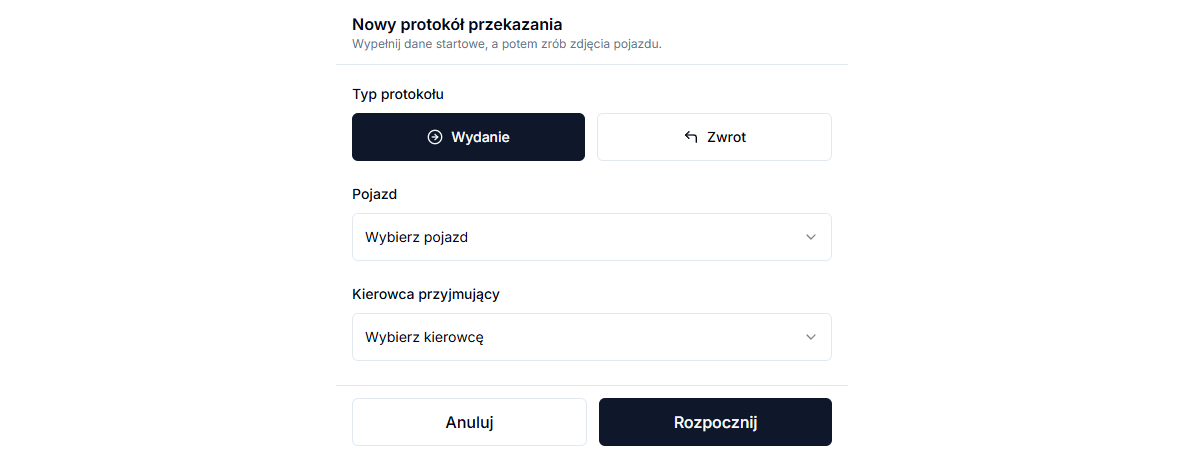
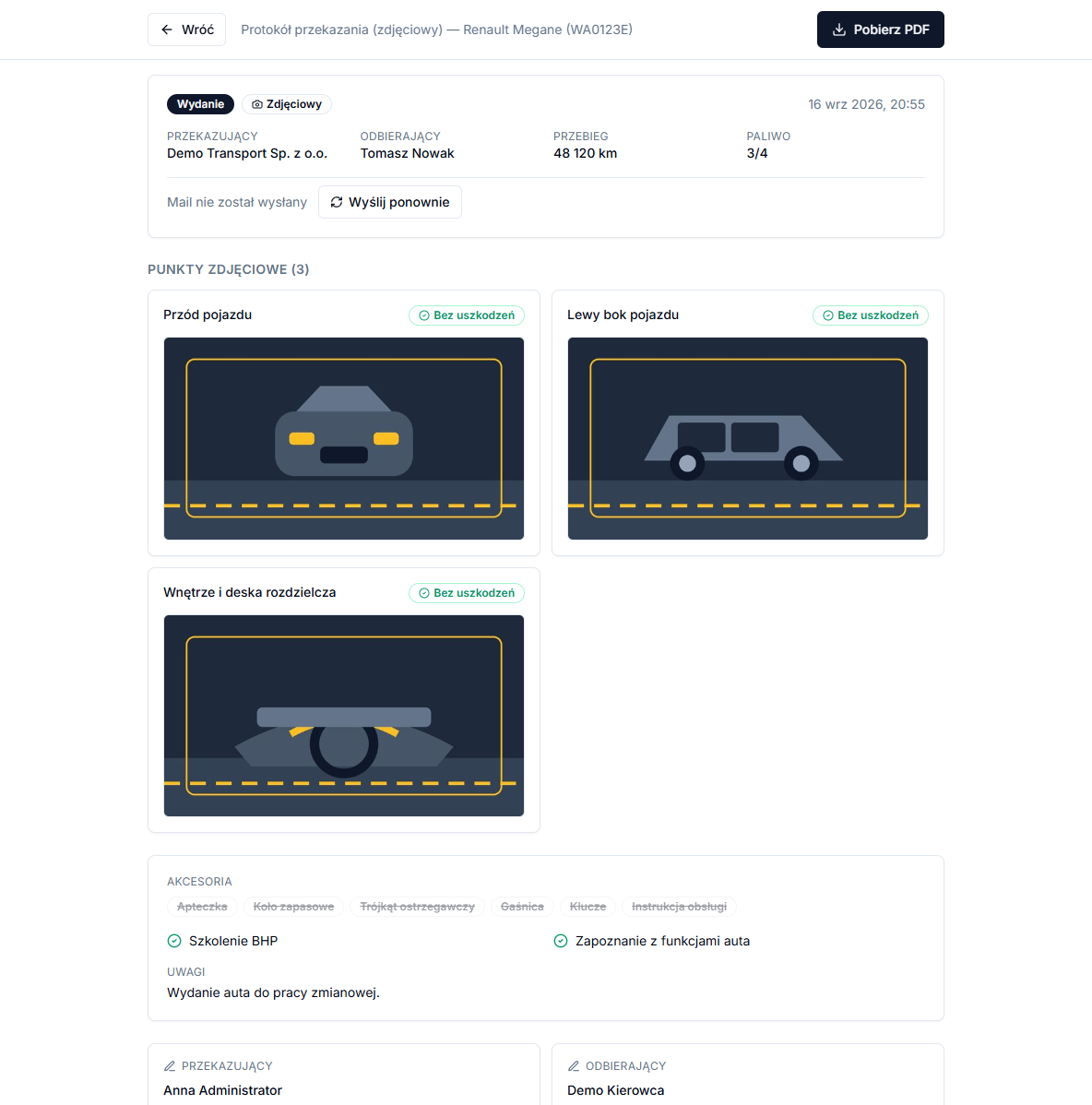
Open Protocols → Protocol list and choose New protocol. Set Protocol type to Issue or Return, select the car and driver, enter Mileage (km) and choose Fuel. At photo points use Take photo, mark Damage where appropriate, then complete Equipment and notes, Summary and Signature. The second person signs on the same device before Sign and send.
Use the information in context
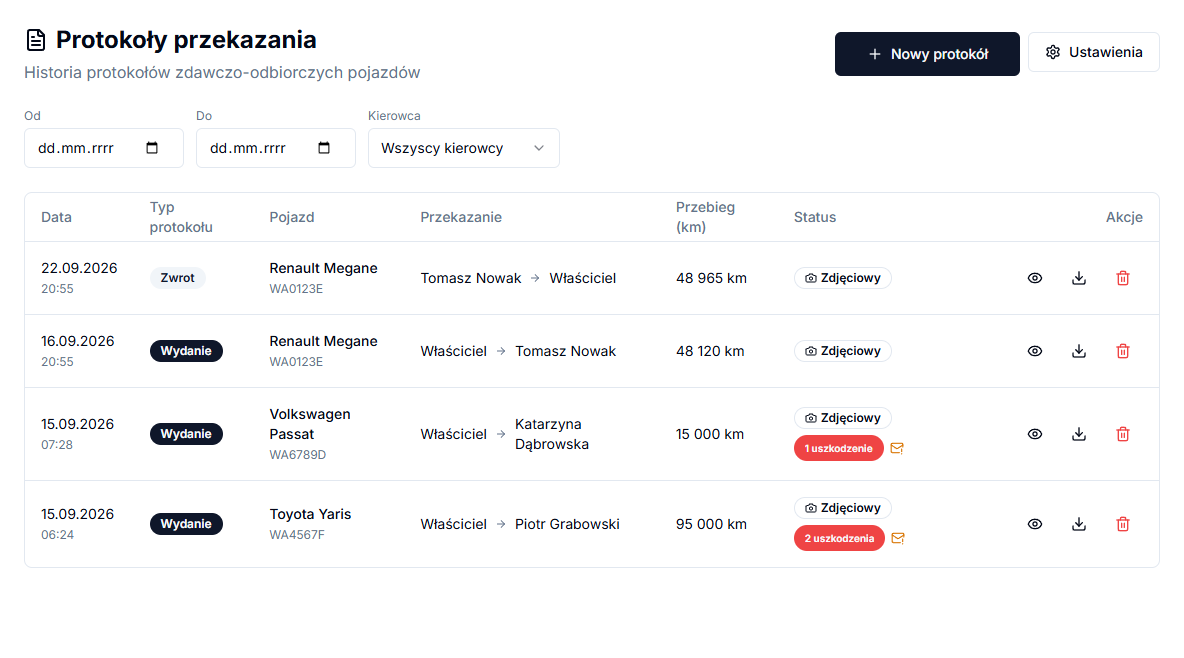
After signing, Download PDF and Protocol list are available. Use From, To and Driver to find a saved document.
Details easy to miss
Choose Issue when a car goes to a specific driver, and Return when it comes back to the fleet. When a photo point had recorded damage on the vehicle's last completed protocol, the wizard shows an amber banner reading "In the previous protocol (date):" with that damage's description at the same point — so you can see immediately whether the damage is still there or was repaired, without digging through past documents. The match works by point name, so it only applies to points that were not renamed since the previous protocol. On the protocol list, the damage-count column helps you find documents with recorded damage before opening a preview.
A signed protocol carries a Verification code in the PDF footer, and the Check integrity action compares the current data against what was saved at signing time. "Matches the record from (date)" confirms nothing changed, while "Data or photos changed after signing" warns that the document or its photos were modified after the protocol was closed; protocols signed before this feature existed carry no such code.
You can add up to 4 close-ups per point — a counter next to the button shows the current count, and adding another once the limit is reached fails with an error. That is usually enough to document one piece of damage from a few angles; for anything larger, describe it clearly in the text field instead of relying on photos alone.