Vehicle service history records repairs, inspections and operating costs for a taxi fleet. It provides a factual trail when a car rented to a ride-hailing driver needs repair or when you compare workshop spending. This guide explains the records and checks that help you act on the real condition of the vehicle.
Complete the workflow
On the vehicle profile open Service and select Add service record. Save Date, Mileage (km), Category, workshop, invoice number and either Gross or Net + VAT. Then use Workshop comparison and its period, make, model, group and Comparable only filters to compare like-for-like work.
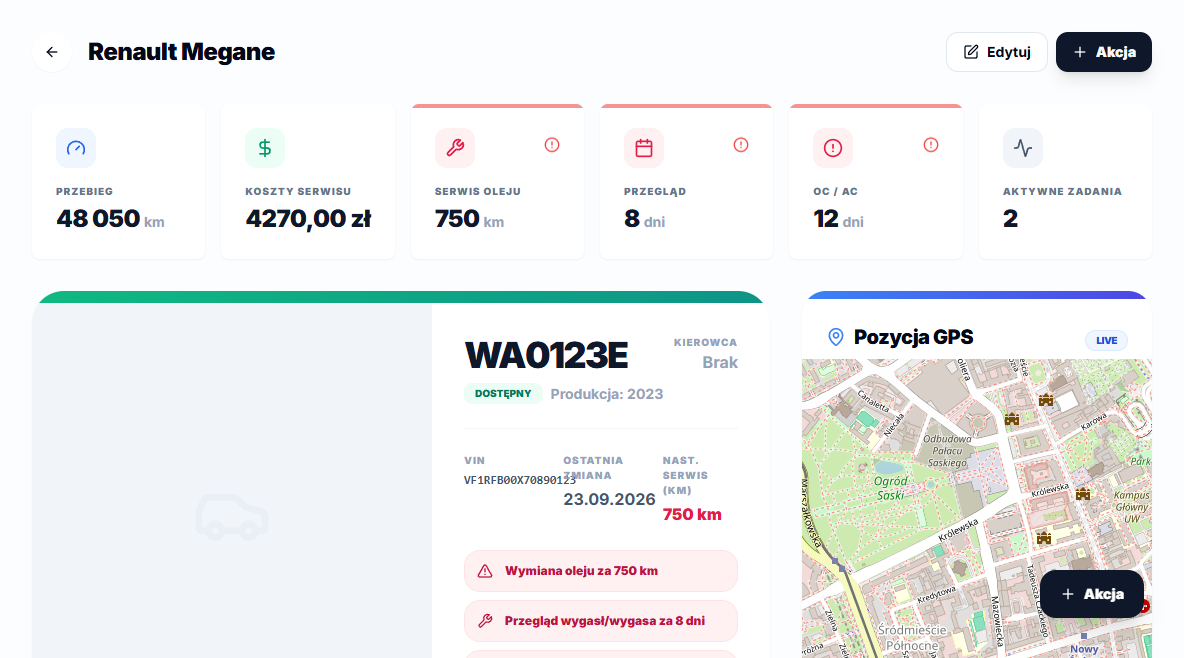
Use the information in context
In the screenshot, Mechanik Mokotów is marked Cheapest at PLN 439.02 net and Serwis Praga is 27.8% higher. The Potential savings card shows PLN 215.47 net; it is an example calculated from saved records, not a workshop quote.
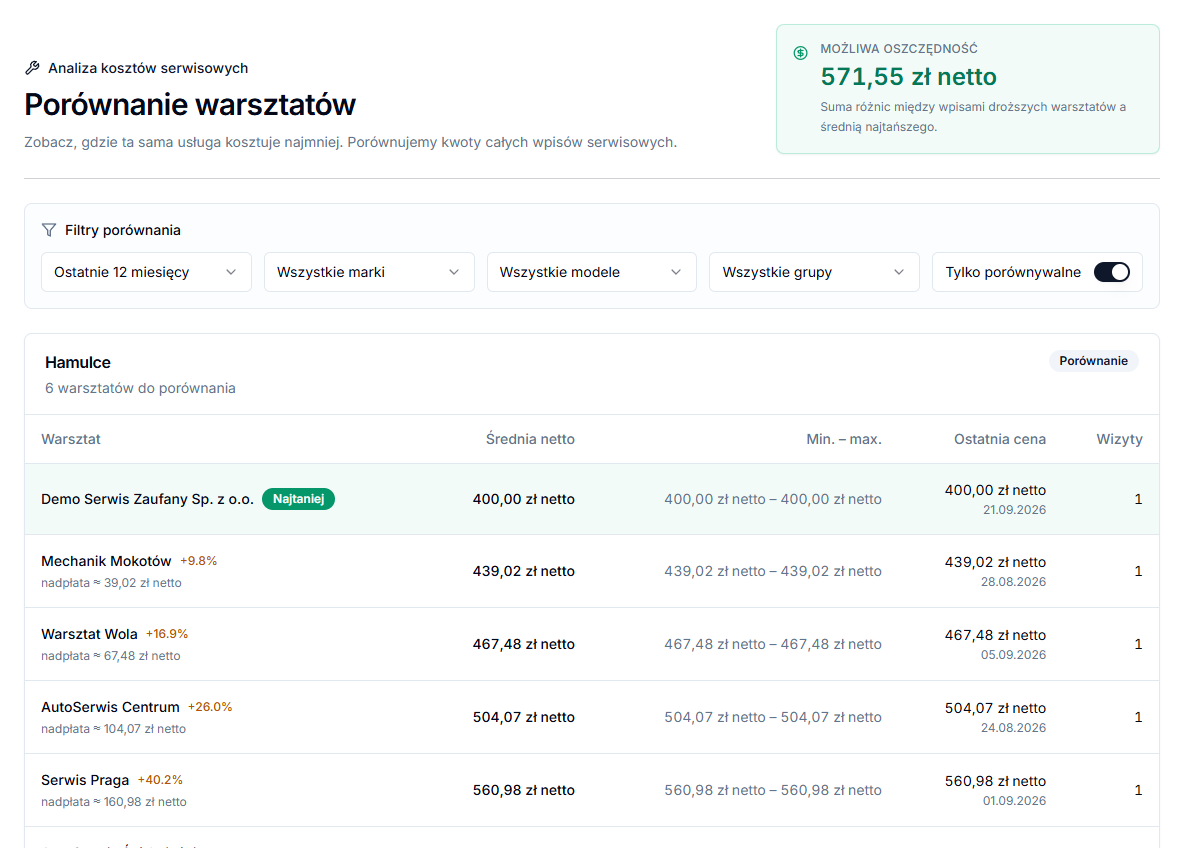
How to read the workshop comparison data
Workshop comparison excludes the Refuelling, Lease payment and Insurance (OC / AC) categories — these are recurring costs that cannot be meaningfully compared between workshops. Two records count as the same workshop when they share a KSeF invoice with the same seller NIP, even if the workshop name was typed differently; without an invoice, records are matched by a normalized version of the workshop name. A service becomes comparable only once records from at least two workshops are saved, and the Comparable only filter hides everything else so a single repair at the only available mechanic does not skew the picture.
A net amount prefixed with "≈" means the record only had a gross amount saved without a VAT rate, so the system shows it as an approximation instead of calculating an exact net value. Add the VAT rate next time you edit that record to make the comparison more precise.
Comparison groups records by the category-and-subcategory pair, not by the free-text description — for example, Oil and filter change › Complete set (oil + all filters) is a different entry than a plain oil change without filters, even though both relate to the same workshop visit. To let future records land in the same group and actually compare, pick the same subcategory consistently for similar jobs.