TwojaFlota works in English and Polish. There are three separate settings: the language of your panel, your company's default language and each driver's document language.
1. Panel language: just for you
Click the globe icon in the top right corner and choose English or Polski.
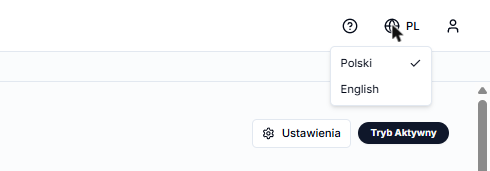
Your choice is saved in your browser. It does not change the language for other people in your company, and it does not affect drivers' documents.
2. Company default language
Go to Ustawienia → Ogólne (Settings → General). At the top there is a Domyślny język firmy (Company default language) field. Choose a language and click Zapisz (Save).
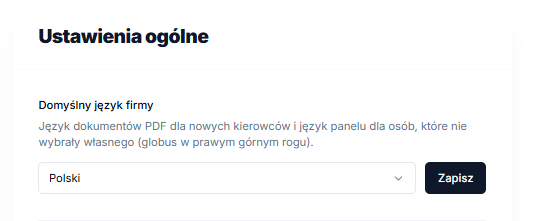
The company default language is used:
- for drivers who don't have their own document language set,
- in the panel for people who haven't chosen a language with the globe icon.
3. Driver document language
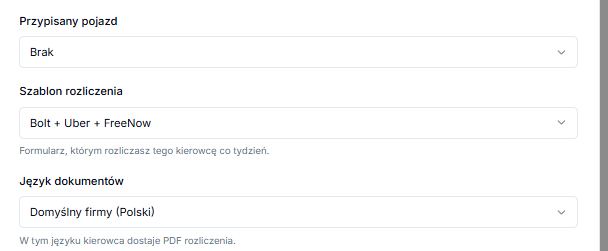
The driver form (when adding or editing a driver) has a Język dokumentów (Document language) field:
- Domyślny firmy (Company default): the driver gets PDFs in the company default language,
- English or Polski: PDFs are always in that language.
A settlement PDF is always generated in the driver's language, whatever language your panel is in. If you download a ZIP of all settlements, each file is in its driver's language.