Where to get a FreeNow file
Download earnings from the FreeNow portal as a ZIP and upload it to TwojaFlota.
Open FreeNow portalStep-by-step guide
1In the FreeNow business portal, open Earnings in the left menu.
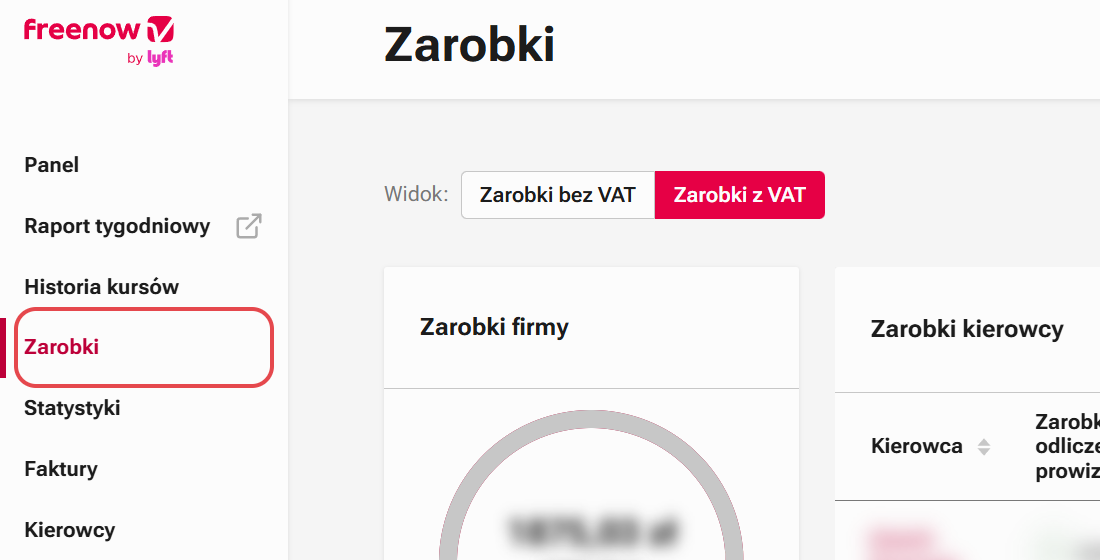
2Set the date range to the same week, Monday to Sunday.

3Click the download icon. Upload the downloaded ZIP file as is: it contains the data with and without VAT.

Have the file? Upload it in TwojaFlota: Settlements → Upload platform files.
See the settlement import guide →